
Products
-
-
-
-
Recent reviews
-
 Gems
by Jeebe
Gems
by Jeebe -
Gems
by Andres Hurtado
-
Kompa Plug VST
by jean martin
-
Kompa Plug VST
by ABDULHAYI MOHAMED DEEK

How to Master Your Beats in Logic Pro (Step-by-Step Guide)
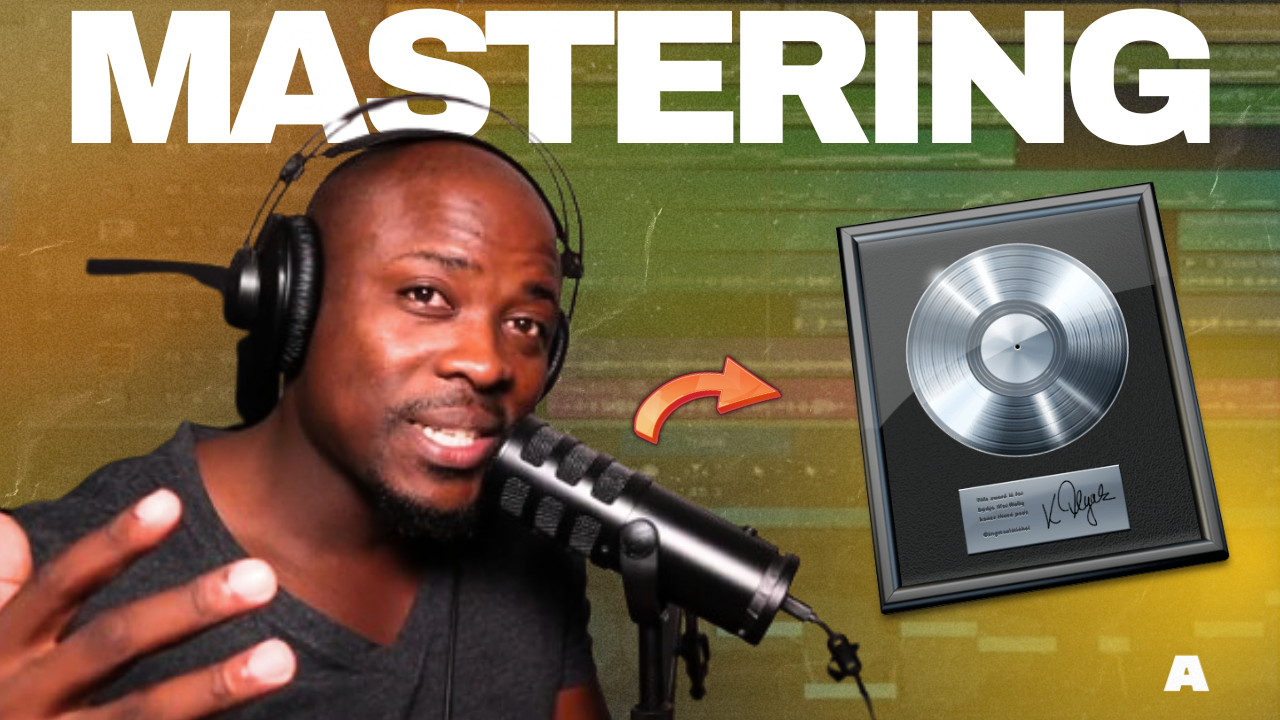
So your beat is mixed and sounds clean — but it still doesn’t hit like the pros?
That’s where mastering comes in. In this guide, you’ll learn how to master your beats in Logic Pro, even if you’re working from your bedroom studio.
🎛️ Step 1: Use a Reference Track
Choose a song in the same genre as your beat (Afrobeats, Trap, R&B, etc.) and import it into Logic Pro.
Use it to compare loudness, tone, and stereo width.
🎯 Goal: match the vibe — not copy the exact sound.
🧼 Step 2: Clean Your Master Bus
Start with a clean master channel.
No crazy plugins from the mix — keep it simple.
Insert:
- EQ (for tonal balance)
- Compressor (for glue)
- Limiter (for loudness)
🎚️ Step 3: Apply EQ
Use a linear phase EQ like Logic’s Channel EQ or Linear Phase EQ:
- Cut below 30 Hz to remove sub-rumble
- Slight dip around 250–400 Hz if it’s muddy
- Gentle boost around 5–8 kHz for clarity
Don’t overdo it — subtle moves go a long way.
📦 Step 4: Add Bus Compression
Use Logic’s Vintage VCA Compressor or Glue Compressor:
- Ratio: 2:1
- Attack: slow
- Release: auto or medium
- Gain reduction: -2 to -4 dB
It adds punch and cohesion without killing dynamics.
🔊 Step 5: Use a Limiter for Loudness
Now it’s time to make your beat loud.
Use Logic’s Adaptive Limiter:
- Push the input gain until your output hits around -14 LUFS for streaming
- Set the ceiling to -1 dB to avoid clipping
🔥 For YouTube or Spotify, aim for clean loudness, not distortion.
🎹 Bonus Tip: Use Plugins like LANDR
If you want a faster workflow, you can also try:
- LANDR (automated mastering service — Afroplug is partnered with them!)
- Get 20% OFF on LANDR AI Mastering for your Beats : https://bit.ly/44L2Kat
Or… just do it manually for full control 💪
✅ Final Checklist
- ✅ Reference your track
- ✅ Clean EQ & compression
- ✅ Gentle limiting for loudness
- ✅ A/B with pro tracks
- ✅ Keep your dynamics!
🔗 Want Free Tools to Master Faster?
Check out Afroplug.com for Afro Genres:
- Free Drum kits & loops
- Plugins
- Courses
- Ebooks & More
